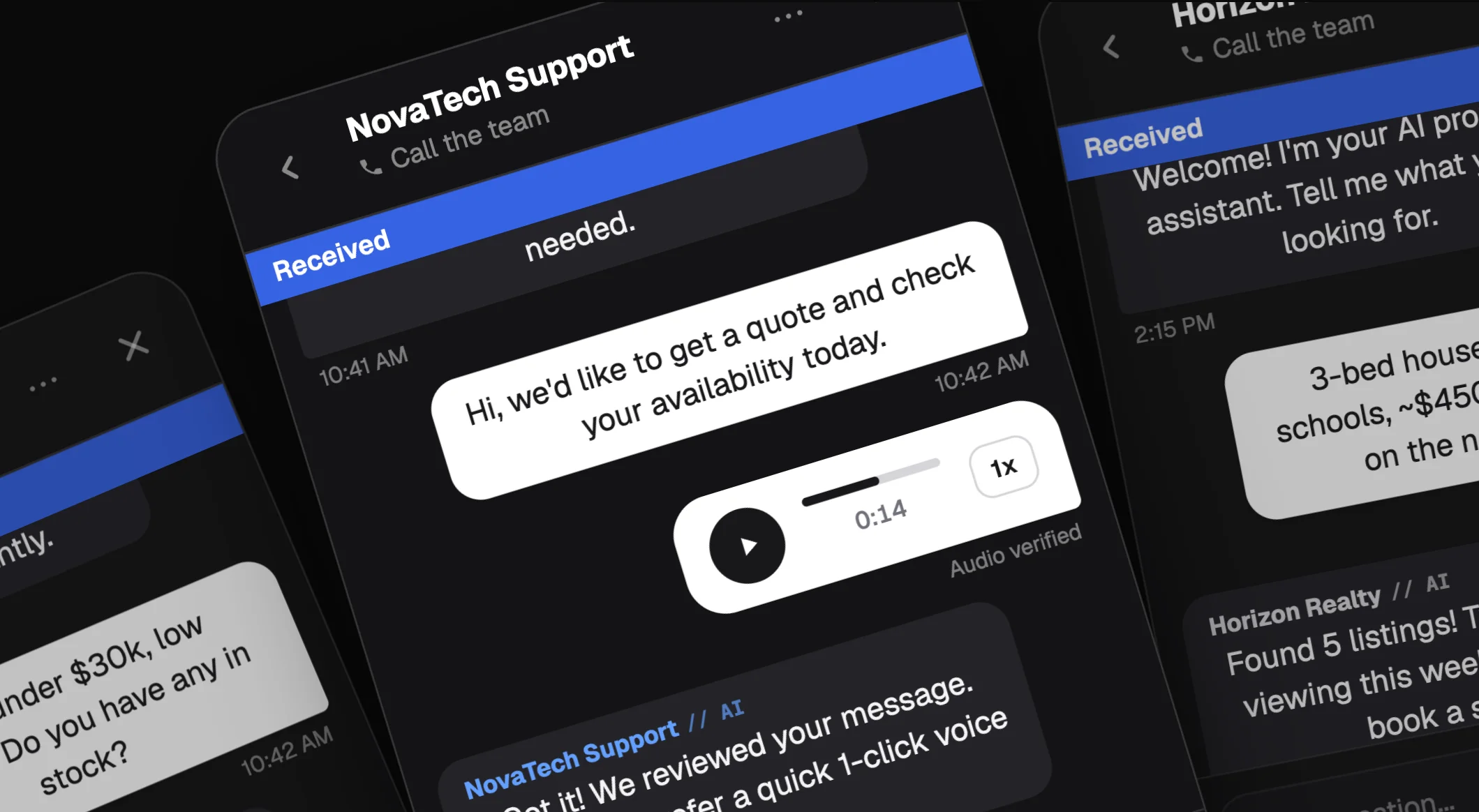
Your ad ends on a form
You paid for the click, the visitor arrived and met a form. Someone with a quick question won't fill one in.
WHATSAPP ON YOUR WEBSITE
Connect WhatsApp and website chat in the exact same shared inbox. 100% free with zero extra cost per channel or conversation.
WHERE THE VISITOR GOES
The button opens WhatsApp. The visitor leaves the page that has your price, your reviews and your offer.
You paid for the click, the visitor arrived and met a form. Someone with a quick question won't fill one in.
The message arrives at 10pm and gets opened at 9am. By then the visitor has spoken to someone else.
External buttons bounce buyers off your site. Your team gets an unknown number with zero context.
Free widgets force another dashboard on your reps. Nobody checks it and leads go cold.
WHO IT'S FOR
Same widget for everyone. What changes is the question visitors ask before they'd fill in a form.
A visitor asks about a property while they're looking at it. You reply from WhatsApp and the viewing is booked in the chat.
01Shoppers ask what's in stock and what it costs. You answer on the vehicle page, then call to confirm the visit.
02The customer describes the job in the chat. Scope, materials and price are agreed before anyone gets in the van.
03Guests ask about dates, board and cancellation while viewing the room. The booking moves forward in the same chat.
04A visitor asks what cover costs before comparing anything. The quote starts in the chat, not in a callback queue.
05Prospects ask about classes and joining fees. You answer from the timetable on your page and book the trial class right there.
06Applicants ask which course starts next and what it costs. Dates go out in the chat, not in an email.
07Patients ask about a treatment before they give their phone number. Your team moves the chat to a consultation when the time comes.
08AI COVERAGE
Your team keeps working where it already works. Paste one piece of code on your site. Connect WhatsApp and web chat in one place with zero extra cost.




One screen for website visitors and WhatsApp conversations. Your team doesn't learn a second dashboard.
Start an audio call from the chat. Audio only: no video, no recording, nothing stored.
If a visitor comes back, they enter their email and carry on the conversation. Their name, email and phone are already on the contact.
AI AGENT
Website chat can start with the AI agent replying first. It uses courtesy tokens, hands over to a person before it goes off track, and never books anything on its own.
Website chat can start with the AI agent replying first, always under your control.
Moves the conversation to a human before it goes off track.
Runs on courtesy tokens, with no complicated setup.
COMMON QUESTIONS
Everything about website chat and the WhatsApp integration.
No. Website chats arrive in the same inbox as your WhatsApp conversations, so nobody has to learn a new screen.
A button opens WhatsApp and takes the visitor off the page that has your price and your reviews. With chat, the visitor stays on your site and your team answers from the inbox they already use.
Paste one JavaScript snippet into your site. It works with WordPress, Shopify and plain HTML, and it loads in the background so your page isn't slowed down.
Everyone on the team sees the channel inbox, not just the conversations assigned to them. That's deliberate: it means no enquiry sits without an owner.
Yes, with an audio call started from the chat. It's audio only: no video, no recording, and nothing is stored.
They enter their email and carry on the conversation. Their name, email and phone are already on the contact, so nobody asks twice.
It is 100% free. There is no extra charge for adding website chat as a channel, and no fee per conversation. It lives in your shared inbox alongside WhatsApp at zero extra cost.
No, because a website conversation isn't a WhatsApp message. Meta began charging per delivered message for service messages on the Business Platform on 1 October 2026. If your team also replies on the WhatsApp Cloud API, Meta bills those WhatsApp messages separately.
WHAT IT COSTS
“Most live chat tools sell you expensive add-ons or give you another separate inbox to check. In Levvo, website chat is 100% free: it connects right into your WhatsApp shared inbox so your team answers both from one place with zero extra cost.”

Connect WhatsApp and website chat in one place. No extra fees, no per-conversation charges, and no second dashboard to check.