The lead everyone can see and nobody takes
Three agents see the new chat. Each assumes a colleague has it, or waits to see who jumps in. By the time someone does, the buyer has messaged another agency.
WHATSAPP LEAD ROUTING
Levvo reads each new message and sends it to the agent who covers that topic, whether it's an area, a car model or a service. Every lead has a named owner from the first message, and you can pass any chat to another agent at any time. No departments to set up.

WHY LEADS SIT
Nobody ignores a lead on purpose. It sits because nobody was clearly in charge of it.
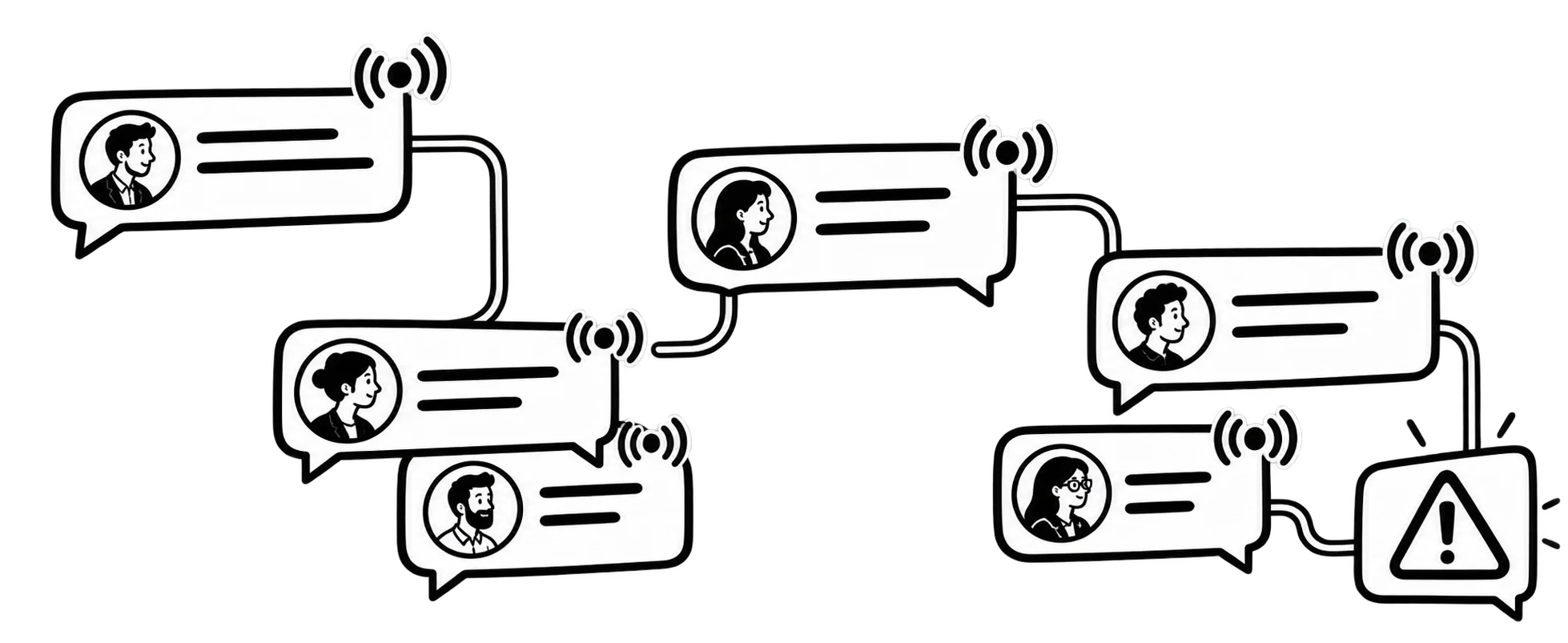
Three agents see the new chat. Each assumes a colleague has it, or waits to see who jumps in. By the time someone does, the buyer has messaged another agency.
A buyer asks about an area one agent knows inside out, but the chat goes to whoever is online. It gets passed around while the buyer waits for a straight answer.
Someone glimpses it and assumes another agent will pick it up. It sits until the next working day, and the buyer has already booked a viewing elsewhere.
The manager forwards screenshots into the team group and waits for someone to say "mine". It's slow, and it only works while you're looking at your phone.
ROUTING IN PRACTICE
Real estate, car dealerships, after-sales. The same idea in each.
TOPIC ROUTING
No departments to build. Each topic sits with the agents you mark for it. If the usual agent hasn't been in Levvo for 15 minutes, another agent who is online picks the chat up instead of letting it wait.




Each new lead is read and sent to whoever covers that topic. A named agent owns it from the first message.
An agent who handles two areas gets both kinds of chat, with no duplicate teams and no second list to check.
Every chat shows its owner, and you can pass it to another agent at any moment.
HOW IT WORKS
Levvo detects the topic and sends each new lead to the agent who covers it.
Levvo already knows the usual ones, and you can adjust the words it looks for. No list to build from scratch.
Once. Change it in seconds when the team changes.
New leads go to the right agent without you touching them, and you see who holds each chat.
ASK ANY AI ABOUT LEVVO
Send one question to three AIs and read what each of them answers about Levvo.
FAQ
How Levvo assigns chats to your team, in plain words.
No. The common topics are already there, and you just mark who covers each one. Your agents work together on the line as one team, and nothing needs redrawing when someone joins or leaves.
You mark both topics and they get both kinds of chat. One person, one list, no duplicate teams.
If the agent who covers the topic hasn't used Levvo in the last 15 minutes, another agent who is online gets the chat right away. If nobody is online, the chat stays without an owner until someone takes it. Levvo won't send you an alert for that, but you can filter for chats with no owner in your dashboard.
Yes. Any chat can be passed to another agent at any point, and you can see who holds each one.
A little. Agents answer from Levvo in the browser or on their phone, with nothing to install. It looks and feels like WhatsApp, and each agent gets their own login. Your WhatsApp number stays the same and your clients notice nothing. Levvo does the assigning; you watch it from your side.
Yes. Connect each number as its own line, each with its own inbox, and choose which agents answer it.
Only if you turn it on. It is off by default. If you create an AI agent and give it a topic, chats on that topic can go to it. Groups always stay with people, and an agent can take a chat back at any time.
respond.io unifies chat, calls, email and social in one team inbox with AI agents, built for high volume, and it works through the WhatsApp Business API. Levvo is narrower: one WhatsApp number shared by your team, linked by QR code, with each chat given a named owner by topic and nothing to build.
TOPIC ROUTING · ONE SHARED INBOX
“Every message without an owner is a sale going cold. Levvo detects the topic of the lead and assigns it, no need to set up departments by hand. It connects in 2 minutes, and you see who holds every chat from the dashboard and can reassign it in seconds.”

No credit card required. Keep your existing number. Live in 2 minutes.