
In 2026, WhatsApp is no longer just a 'chat app' for businesses; it is the primary closing channel. However, managing a team on it usually feels like a game of 'whoever sees the notification first wins.'
This lack of structure leads to duplicate replies, missed follow-ups, and a total blind spot for managers. To scale, you need to transition from 'using an app' to 'managing an operation.'
The Myth of the 4 Linked Devices
WhatsApp Business officially allows you to link up to 4 devices to one account. For a sole trader, that's great. For a sales team, it's a disaster waiting to happen.
When 4 people look at the same screen, nobody is accountable. There is no way to assign a contact to a specific rep, no way for a manager to see internal notes, and certainly no way to measure response times. To truly run a WhatsApp shared inbox for sales teams, you need a layer of management that Meta's standard app doesn't provide.
Key Points
- Accountability: Every chat must have one clear owner at all times.
- Visibility: Managers must see activity without jumping into every individual chat.
- Coordination: No more duplicate replies or missed leads.
Step 1 — Accountability: Assign Owners Immediately
The first step to organizing your WhatsApp team inbox with multiple agents is routing. When a lead comes in, it shouldn't just ping everyone's phone. It needs to be assigned to a specific rep.
Professional shared inboxes allow you to set up routing rules. Whether it's round-robin or based on the type of inquiry, giving each chat an 'owner' ensures that the customer receives a consistent experience from one person, rather than a fragmented conversation with three different reps.
Step 2 — Technical Choice: QR Connection vs. API
For many Scaling SMBs, the biggest hurdle is the 'WhatsApp Business API.' It sounds official, but it comes with strings: approval processes, message templates, and per-conversation costs.
In 2026, the 'simplicity move' is the QR connection. It uses the same protocol as WhatsApp Web, meaning you can connect your existing number in under 5 minutes. No technical setup, no developer fees. This is the ideal way to manage a sales team on WhatsApp for teams of 2 to 20 people who need to move fast without a corporate budget.
No Approval Needed
Start today. Connect your existing number via QR and keep all your previous conversations and contacts.
Zero Setup Cost
Unlike the API, there are no hidden fees or complex verification processes. If you can scan a QR code, you can start.
Step 3 — Manager Visibility in Real Time
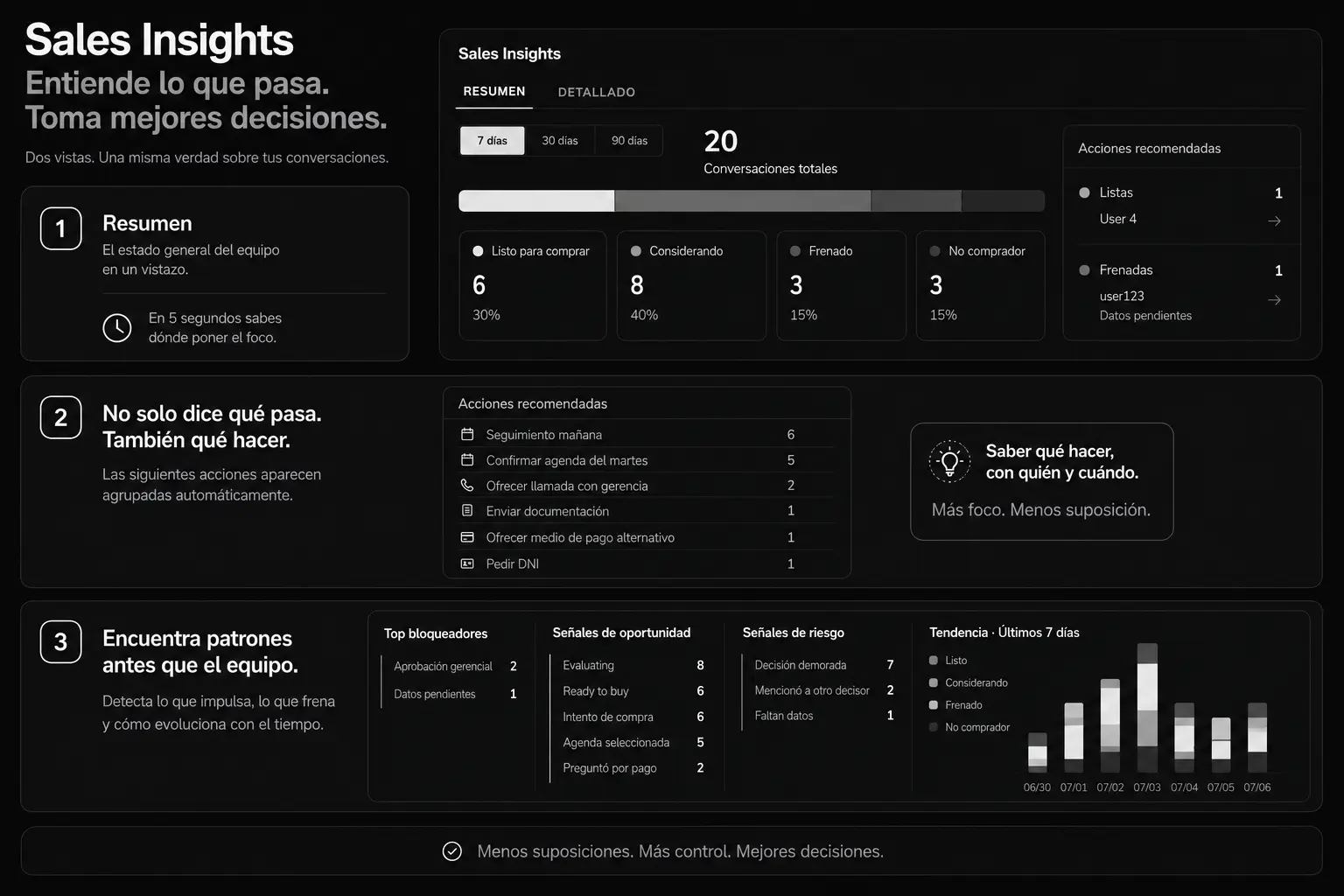
A sales manager shouldn't have to ask, 'Did you reply to that lead?' They should be able to see it on a dashboard. Visibility is the difference between a high-performing team and a group of people chatting on phones.
Your workspace should show:
- Which rep has the most open conversations.
- How many leads haven't been replied to in over an hour.
- Live conversation feeds so you can coach reps in real time.
This level of oversight doesn't just improve response times; it ensures that your company's tone of voice and sales methodology are being followed consistently.
The ROI of Organization
When you move your WhatsApp for business teams in from the standard app to a managed platform like Levvo, the results are measurable. Most teams report a 30% reduction in response time within the first week. Why? Because the mental load of 'checking the group' is replaced by a clear task list of 'my assigned chats.'
Furthermore, lead abandonment drops significantly. A lead that waits 10 minutes on WhatsApp is 50% less likely to convert than one that gets a reply in 2 minutes. Management visibility makes that 2-minute goal achievable.
Preguntas Frecuentes
Get your team organized in 5 minutes.
Recover commercial visibility today without the bureaucracy of a heavy CRM. Simple and direct.